


Why Cancel: cancellation feedback surveys
Ask customers why they canceled and review their answers to identify changes worth investigating.
This page is available in English while its translation is updated.
Feedback after a canceled subscription
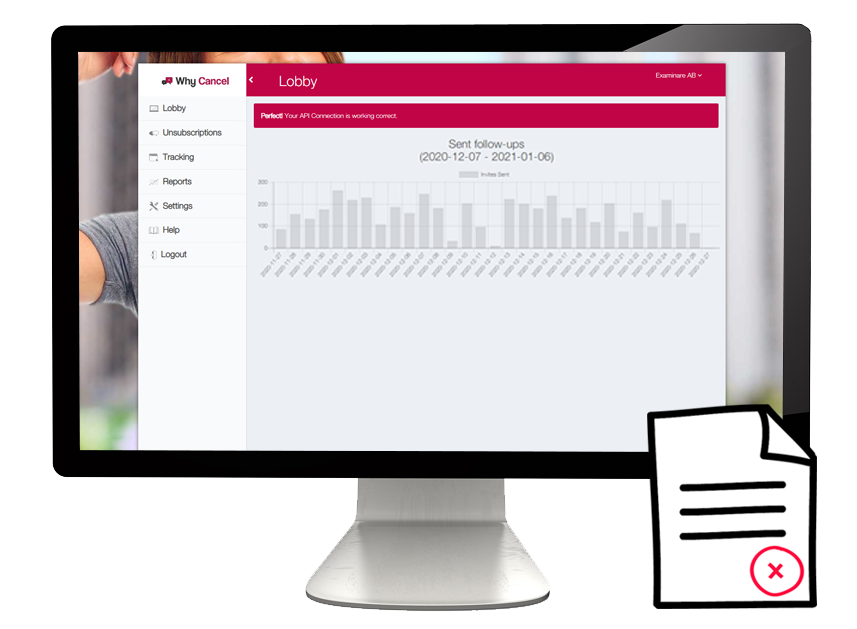
Why Cancel connects exit surveys to your Examinare account. Use it to collect reasons for cancellation and review comments alongside the selected answers. Decide what your team can change before choosing the questions.
Understand reasons for cancellation
Ask about the canceled service and leave room for an explanation. Group recurring reasons in the responses; a survey can inform a retention decision without guaranteeing that a customer will return.

Prepare a questionnaire for your service
Choose questions that match your subscription and the decisions your team can act on. Confirm the scope of any questionnaire preparation during setup.

Plan the next action with your team
Review feedback with the team responsible for the product, billing or service experience. If you need analysis or consulting assistance, confirm what is available and how it is priced.

Prepare language versions
Translate questions and invitations for the customer languages in your cancellation workflow. Review wording and scales before comparing responses across languages.

Use comments to investigate a pattern
Read the reasons behind a rating or cancellation choice. Look at response counts and recruitment limitations before treating a finding as representative of all canceled customers.
Schedule email invitations and reminders
Configure invitations after the agreed cancellation event and choose whether to send a reminder. Test the timing and completed-response handling before enabling the workflow.

Connect the cancellation event
A connected system needs to supply the agreed cancellation and contact information. Confirm the trigger, available data and survey schedule during setup.

Confirm an integration for your service
Discuss the subscription or CRM system you use. Compatibility and any custom development need to be confirmed; an existing connection for one system does not establish support for every system.
Filter responses and share reports
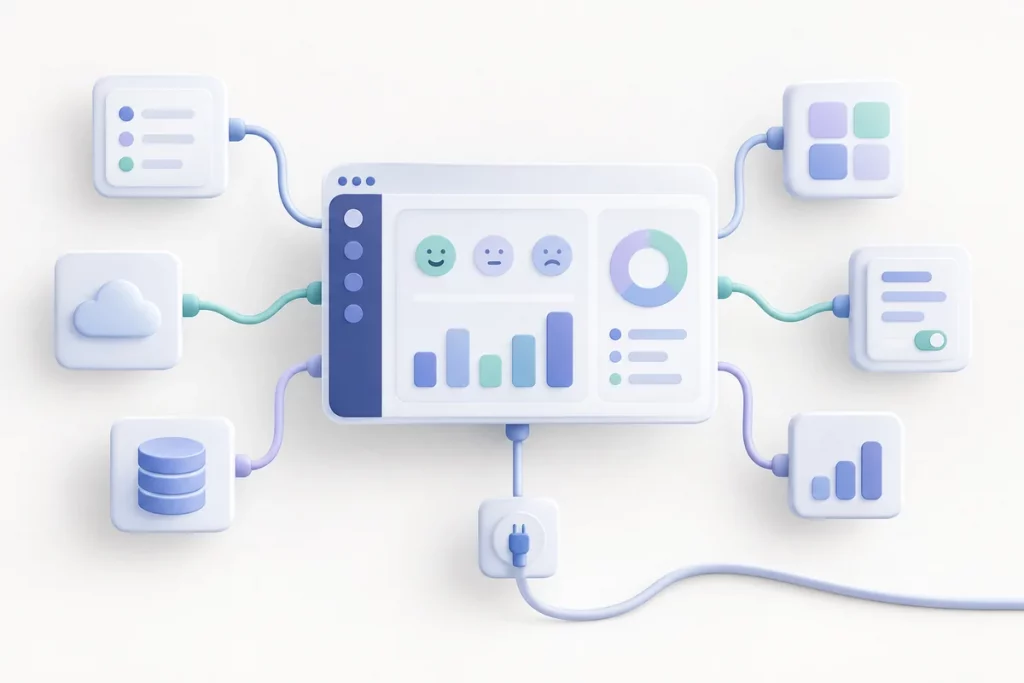
Review ratings and comments in the dashboard. Use the available date, group and language filters to prepare reports for the team investigating cancellations.

Define the score you want to track
If your survey includes a satisfaction rating, define the scale and calculation before comparing results. The customer satisfaction guide explains a percentage-based CSAT calculation and its difference from an average rating.

Keep cancellation feedback specific
Ask about the service the customer canceled and the reason for that decision. Avoid assuming every cancellation means dissatisfaction: price, changed needs or a completed project may also explain it.


