


Multichannel survey distribution and recipients
Choose between public survey links and personal invitations, then manage the recipients for your project.
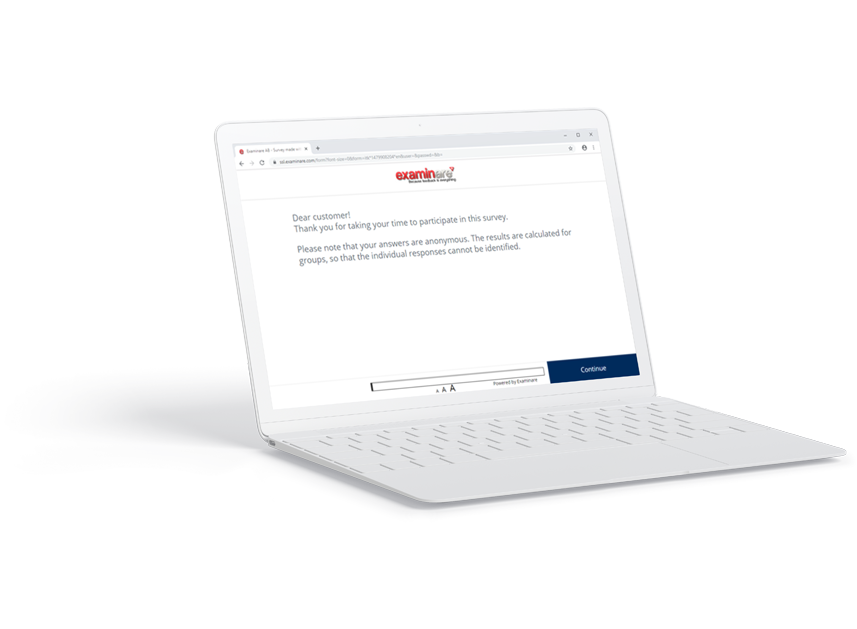
Choose a public or private survey
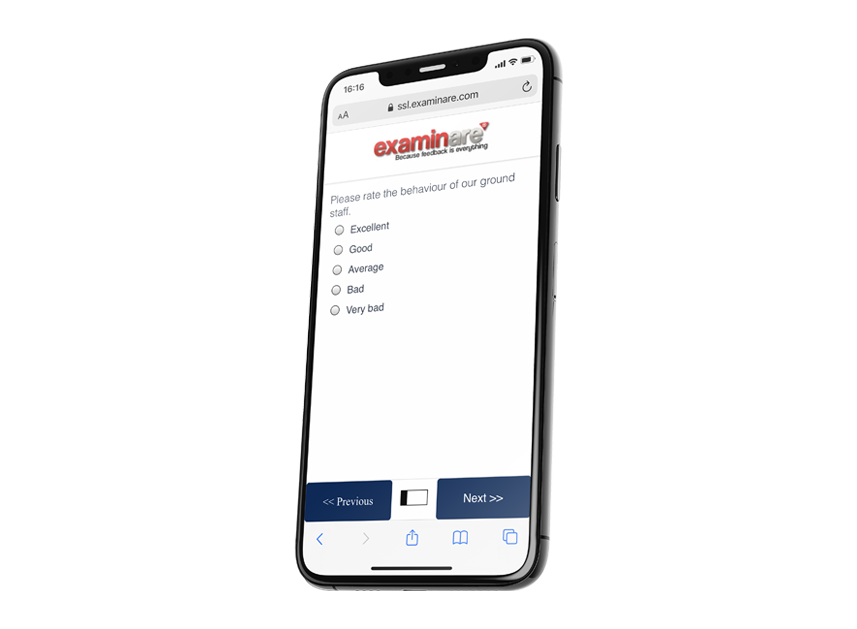
Use a public link for open participation or a private invitation for a defined recipient list. Review the survey publishing modes before sending invitations.
Plan a multichannel communication survey
Use consistent questions across email and SMS invitations so responses are easier to compare. Record the channel when it is relevant to the analysis. Telephone questionnaires use the separate Phone Surveys module.
Understand recipient privacy
Personal invitations can be linked to recipients. An anonymous report and an anonymous collection mode are different choices; free-text answers and background fields may identify people. Check the configured mode and report before promising anonymity.
Check the recipient list before sending
Review addresses, duplicate records and required fields. The Excel import guide explains the documented import workflow. Test an invitation before contacting the whole list.


