Class Evaluator: training course evaluations
Collect participant feedback after training courses, send scheduled invitations and review results across your courses.
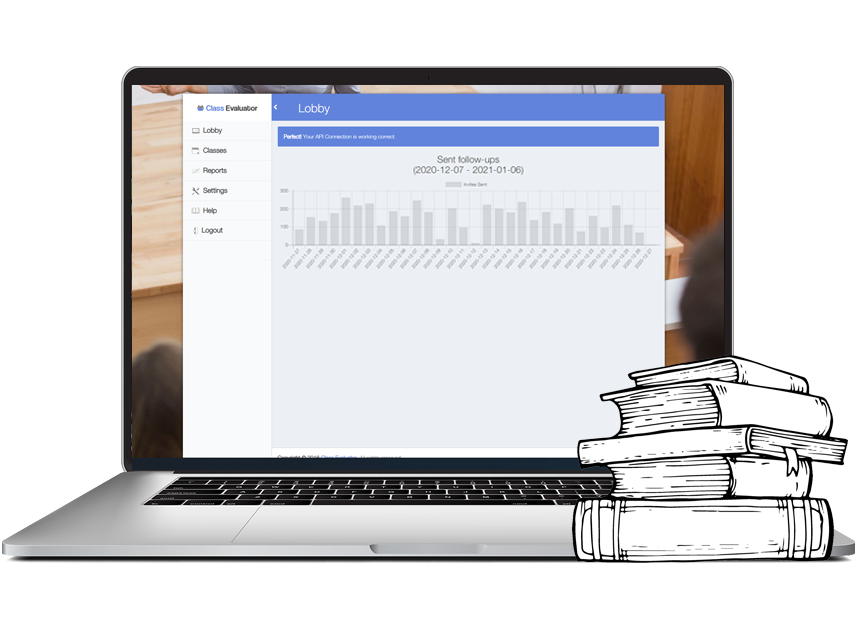
Feedback after a training course
Class Evaluator connects course evaluations to your Examinare account. Prepare the questions and invitation timing for your course, then import participants and review their responses. Agree on any questionnaire preparation or translation work during setup.
Import participants and schedule invitations
Import the participant list and choose when invitations should be sent. The documented workflow supports delaying a follow-up survey for up to 14 days. Check the imported addresses and test an invitation before sending the full list.

Remind participants who have not answered
Schedule reminders for participants who have not completed the survey. Completed responses are recorded so those participants can be excluded from the reminder list.

Decide what to change after a course
Read comments alongside the ratings to identify issues with course content, pace or organization. If you need help designing the evaluation or interpreting the results, ask which consulting services are available and how they are priced.

Set up questions and language versions
Use questions that fit the course and prepare translations for the languages your participants need. Keep the meaning and rating scale consistent across versions before comparing results.

Use your existing participant list
Copy names and email addresses from your spreadsheet into the import workflow. Preview the list before scheduling invitations; this gives you a chance to spot missing addresses or duplicate entries.

Review course results
Open the results view to see ratings and comments as responses arrive. Review the response count with the satisfaction score, and compare courses that use the same questions and scoring method.