
Question types
Multiple choice, free text and scales.


 Choose language
Examinare Survey Tool
Create online questionnaires, reach respondents across channels, and turn responses into reports with the Examinare online survey platform.
Choose multiple-choice questions, open responses and rating scales. Publish a survey, invite your audience and review the results in Examinare.
This page is available in English while its translation is updated.
Multiple choice, free text and scales.

Public or private surveys across communication channels.

Automatic analysis as responses arrive.

Support for LTR and RTL writing.

Customize logos, colors, pages and fonts.

Review access controls and data processing requirements.
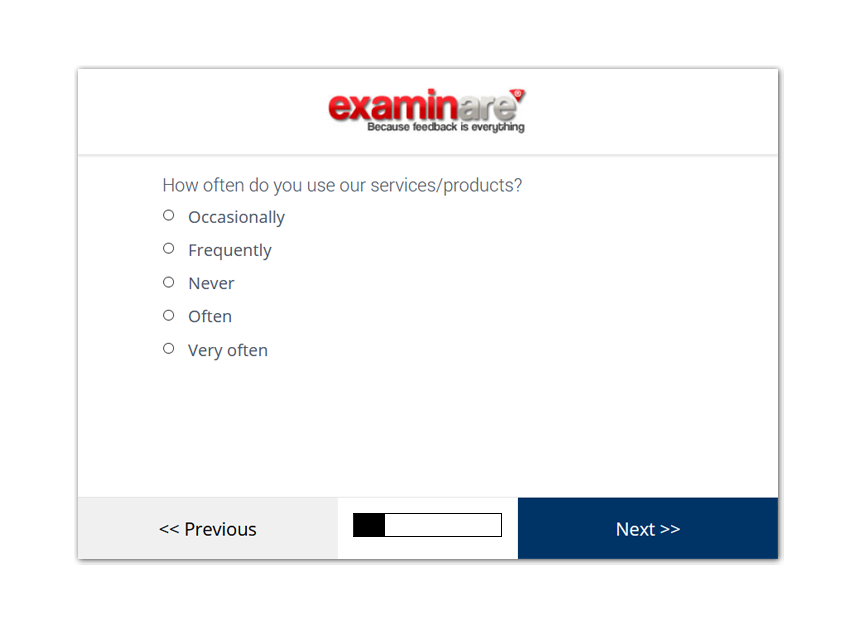
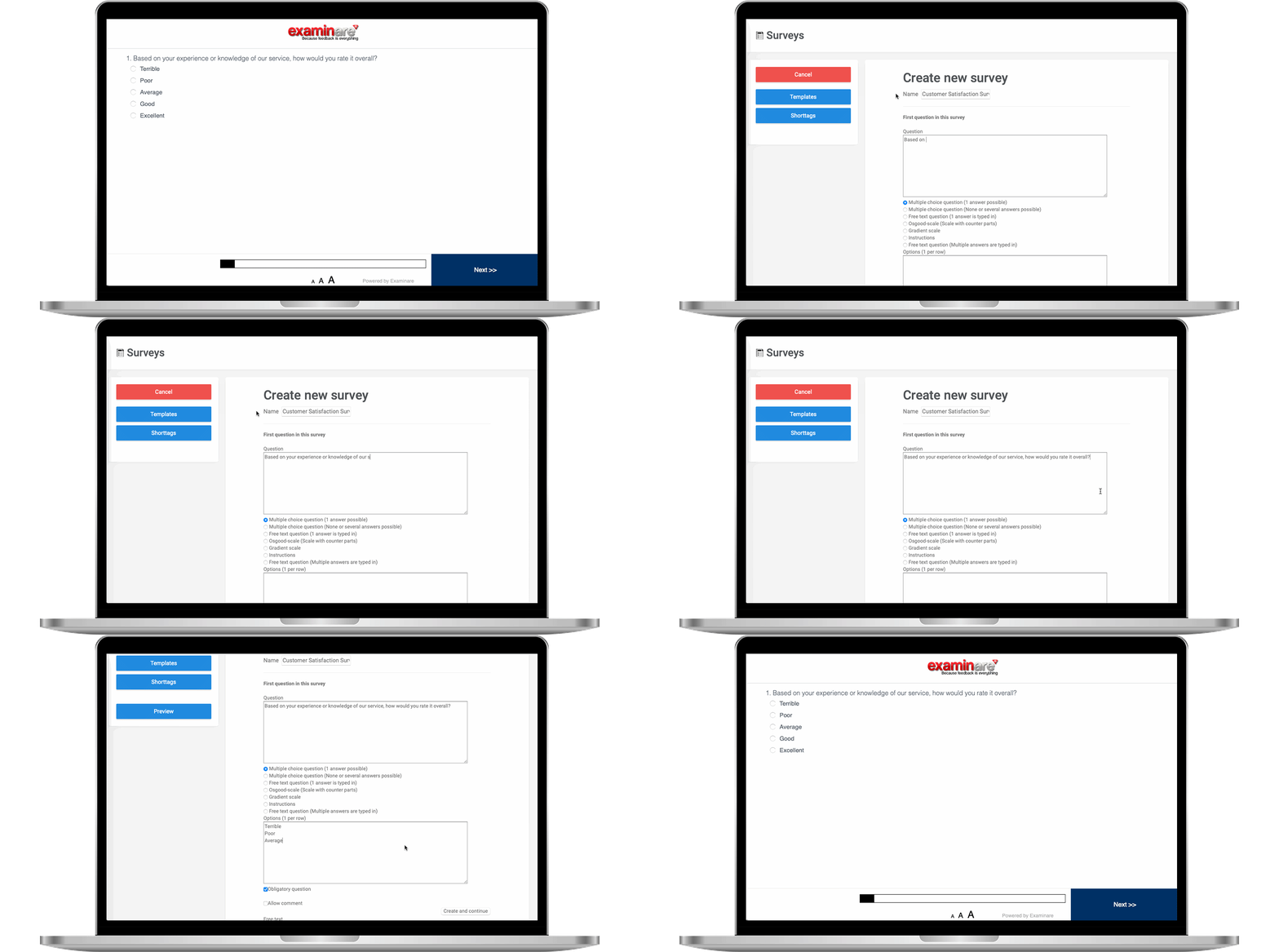
Use multiple-choice questions for selected answers, free text for explanations and scales for ratings.
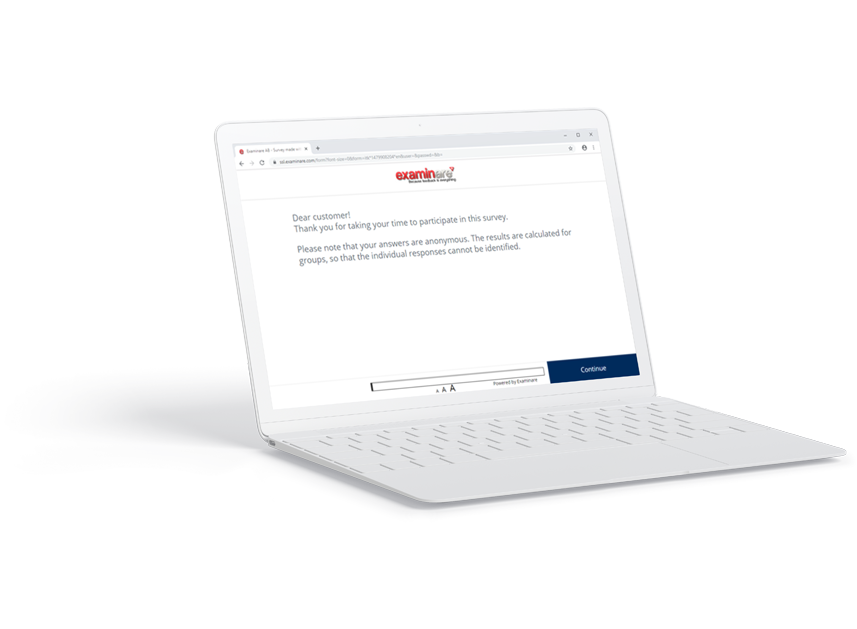
Use a public survey link or personal email and SMS invitations. Choose the distribution method for your audience; telephone questionnaires use a separate module.
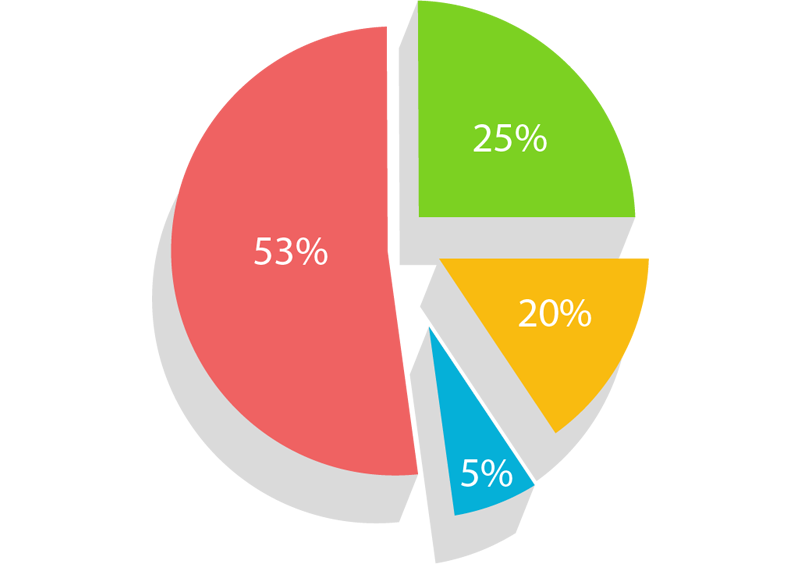
Read charts and individual responses as answers arrive, then export the reports needed for your analysis.

Create translated questionnaires and use the documented left-to-right or right-to-left layout options. Confirm the languages available for your account and review the question translations.

Set the logo, colors, start page, thank-you page and text size. Preview the questionnaire on the devices your respondents use.

Review account access and data processing requirements before collecting responses. Confirm hosting, retention and backup arrangements for your account.

Use Magic Polls for a website or SMS voting question. Choose a full questionnaire when you need several questions and room for explanation.

Invite respondents through the social channels your audience uses. Test the public link in the target browser or app before posting it.

Explore the connection and export workflows in the directory. Confirm compatibility and account eligibility for the system you use.
The help pages explain survey creation, invitations and reporting. Use the relevant guide or contact email support.
Use Survey Tool to create questionnaires, invite respondents and review results. These guides cover different decisions:
Create questionnaires with multiple-choice questions, free-text answers and scales. Choose public or private distribution, customize the survey design and review responses in charts and reports.
Yes. Survey Tool can support customer feedback and market research projects. Choose an appropriate audience and research method, then use the questionnaire and reporting options for your project.
The survey design supports responsive layouts, and language options include left-to-right and right-to-left writing. Review the design and localization pages for the documented options.
The account plans below display product information from WooCommerce. Review the account product and the checkout terms before purchasing. Dedicated evaluator modules have their own pricing on the service pages.
Explore guides and video tutorials.
Review the account limits and billing terms before ordering.


