


Food Evaluator: restaurant customer surveys
Collect feedback about food, service and the visit, and review ratings and comments by the relevant service period.
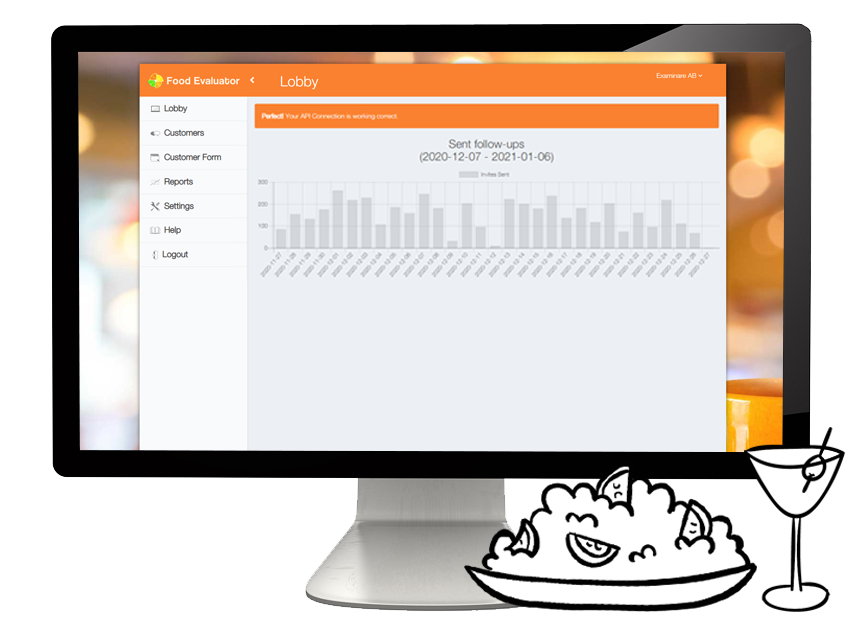
Restaurant Surveys made Automatic and Professional.
Examinare Food Evaluator helps restaurants and other food establishments to anticipate customer needs and serve them better. With Food Evaluator managers can control their customer satisfaction and the quality of staff services.
Ask about staff service
Ask guests about the service they experienced, such as ordering, waiting time and communication. Review comments and response counts before comparing shifts or teams.

Understand the whole restaurant visit
Keep questions about food, service and facilities separate. This helps identify which part of the visit needs attention.

Prepare a survey for your restaurant
Choose questions that match the decisions your team needs to make. Agree on any questionnaire preparation, invitation design or consulting work during setup.

Control access to feedback
Decide who needs access to guest responses and reports. Confirm the account’s hosting, retention and backup arrangements rather than assuming every configuration is the same.

Review data processing requirements
Read the data processing terms before importing guest contact information. Collect only the fields needed for the feedback workflow.
Prepare translated questions
Translate the questions and invitations for the languages your guests use. Review wording and scale labels before distributing the survey.

Review the satisfaction score
Food Evaluator describes a dashboard rating on a 1–5 scale. Review it alongside the response count and comments; it is a summary of survey answers, not an independent measure of staff performance.

Connect your Examinare account
Choose the Examinare account to link to the module in the calculator below. Review the account, module and setup costs separately.
Send invitations by email or SMS
Choose one or both channels for the configured workflow. The documented parallel-link behavior deactivates the other invitation after a response; test it before launch and review SMS charges.

Register guests for a survey
Use the recipient form to enter the required contact information and survey timing. Check the details before scheduling invitations or reminders.

Confirm your administration connection
Discuss the restaurant system, order event and available data with Examinare. Confirm compatibility and any development required before assuming the workflow can be fully automated.

Review results and reports
Open the dashboard to read responses and filter by the fields available for your setup, such as date or shift. Confirm the format and schedule of any recurring reports.

Food Evaluator can be used for feedback projects in restaurants, cafés, pizzerias and other food establishments. Choose the questions and invitation workflow for your venue.


