


Share surveys through social media
Publish a survey link and invite people through the social channels used by your audience.

This page is available in English while its translation is updated.
Share a public survey link
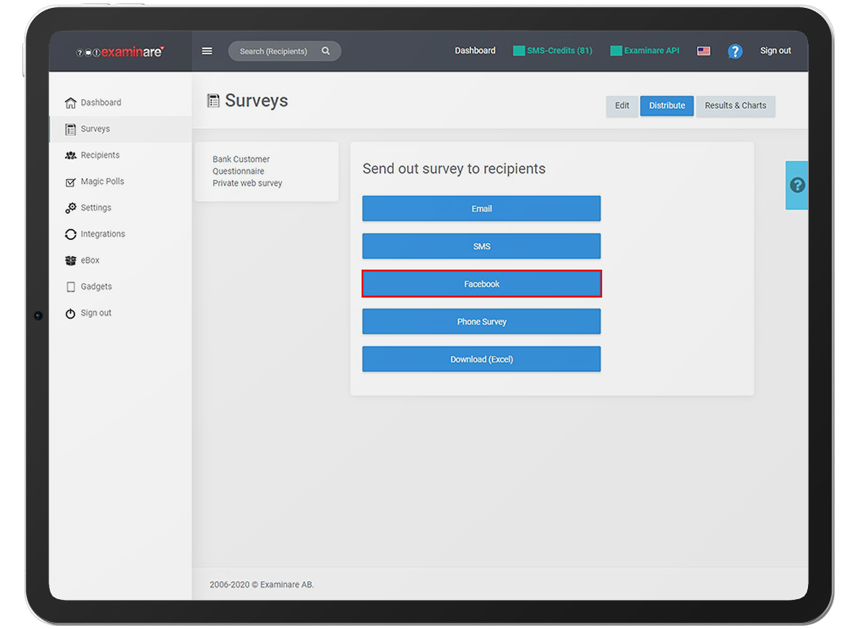


Create a public questionnaire and share its link with a description of the survey purpose. Test how the link opens in the browser or social app your respondents use.
Keep recruitment and identity separate
Posting a link on a social network does not automatically supply profile details such as gender or country to Examinare. Ask only for background information the study needs and explain how it will be used.
Describe the invitation clearly
Name the purpose of the questionnaire and the audience you want to hear from. A public social-media invitation can attract a self-selected group, so record that recruitment method when interpreting the results.


