


Nástroj pro průzkumy Examinare design and layout
Adjust logos, colors, text and the survey’s start and completion pages.
This page is available in English while its translation is updated.
Match the survey to your organization
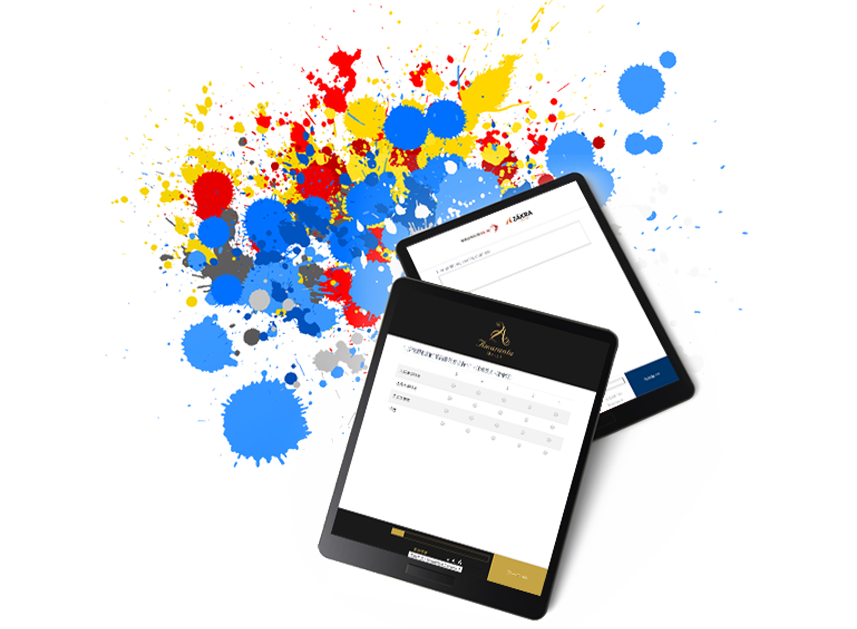
Use your logo and color settings to give the questionnaire a recognizable appearance. Advanced styling options need to be tested with the actual questionnaire and browser.
Check readability on the target device
Choose readable text sizes and contrast, then preview the survey on a phone and computer. Adjustable text size can help respondents read the form; it does not establish that every questionnaire meets an accessibility standard.
Explain the survey before questions begin
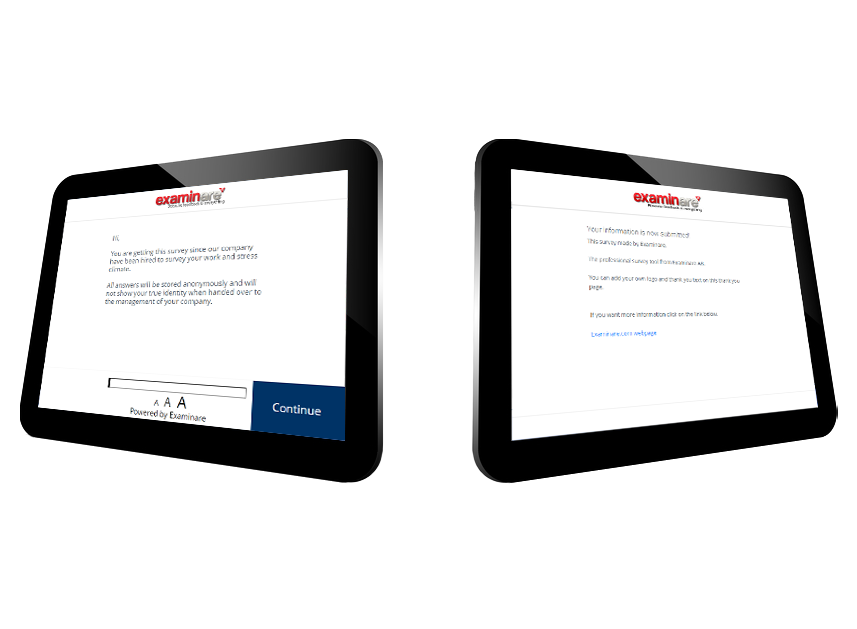
Use a start page to explain the purpose and what respondents can expect. A thank-you page can acknowledge completion. See the layout guide and the start-page instructions for setup.


