


Clinic Evaluator: patient feedback surveys
Ask patients about appointment communication, facilities and service, then review feedback with your clinic team.
This page is available in English while its translation is updated.
Customer Surveys for Clinics made Automatic and Secure.
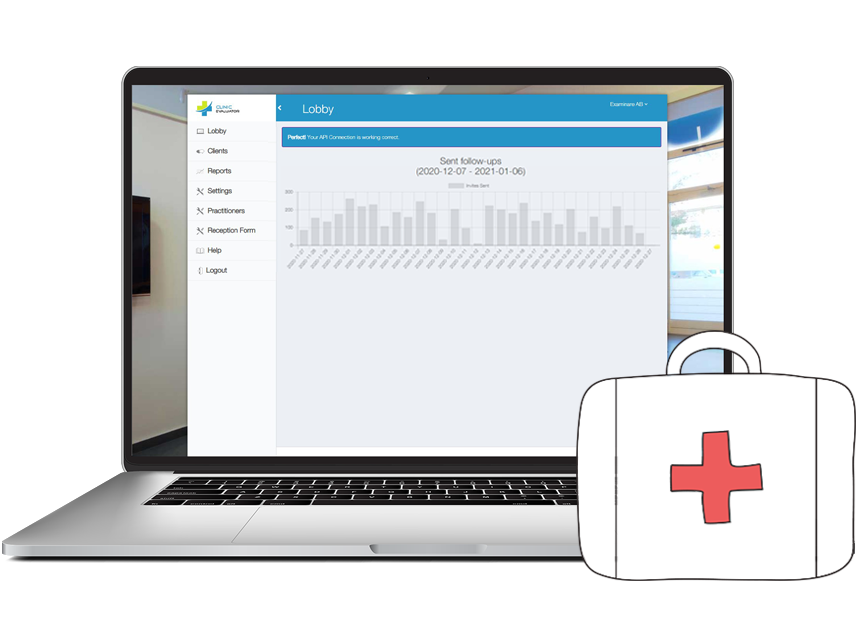
Examinare Clinic Evaluator helps clinics to improve their communication with patients and increase work effectiveness. With Clinic Evaluator managers have the ability to control patient satisfaction and the quality of provided services.
Hear about the patient experience
Give patients a direct way to explain what went well and what needs attention. Ask about a recent visit instead of assuming a rating explains the entire experience.

Review feedback about staff service
Use questions about communication, courtesy and appointment organization. Where responses are linked to staff or teams, review the context and number of responses before drawing conclusions.

Prepare questions for your clinic
Choose questions and invitation wording that fit your clinic. Confirm the scope of any questionnaire preparation or design service during setup.

Plan access to patient feedback
Decide who needs to review responses and limit the information collected to the purpose of the survey. Read the security information before choosing the workflow.

Check data processing requirements
Keep service feedback separate from clinical records. Avoid requesting diagnoses, treatment details or other sensitive health information in a general satisfaction survey. Review the data processing terms for your intended use.
Prepare translated questionnaires
Create question and invitation versions in the languages your patients use. Review each translation before sending it, particularly the meaning of rating scales.

Use ratings for service feedback
Use clearly labeled scales to ask about appointment communication or the clinic environment. This page describes service feedback; it does not present the survey as a clinically validated pain assessment.

Connect your Examinare account
Link the module to an Examinare account in the price calculator below. The account and module subscriptions are listed separately.

Invite patients by email, SMS or tablet
Choose the invitation channel or use a tablet for feedback at the clinic. In the documented email and SMS workflow, answering one personal invitation deactivates its parallel link. Test that behavior during setup.

Register a recipient for follow-up
Use the reception form to enter the contact details required for an invitation. Check the address and survey timing before submitting the recipient.

Confirm an integration before setup
Discuss the administration system you use and the event that should trigger an invitation. Compatibility and any custom development need to be agreed for that system.

Review responses and reports
Filter feedback by the available date, staff or language fields and read individual responses when appropriate. Agree on any scheduled reports during setup.

Clinic Evaluator is intended for service feedback workflows in clinics, including dental and veterinary practices. Confirm the survey scope and data processing requirements before collecting responses.


